
Join in one touch
Native meeting-room controls, calendar workflows and a clear fallback path so the meeting begins without a call to IT.
Loading...
Compact collaboration systems with one-touch joining, clear audio, intelligent framing and simple controls for every user.Huddle rooms are small, fast-moving and used constantly. OfficeBasics designs compact collaboration systems that join the right platform in one touch, frame every participant, keep audio clear and stay simple for anyone walking into the room.
A huddle room is often used with no technician in the building and no time for a setup process. The meeting either starts immediately or the room is judged as unreliable. The design needs to remove friction from joining, presenting, hearing and being seen.
A compact system should support the work of the room without adding training overhead or extra steps.
Native meeting-room controls, calendar workflows and a clear fallback path so the meeting begins without a call to IT.
Camera coverage matched to the table depth, seat count and room geometry, not a generic field of view.
Audio pickup and playback tuned for short distances, glass, HVAC noise and the actual voice level of the room.
Wireless or wired content sharing that fits the organisation's security model and standard work practices.
Every huddle room begins with the same questions: how many people sit in the room, how often it is used, which platform it serves and what support model follows handover.
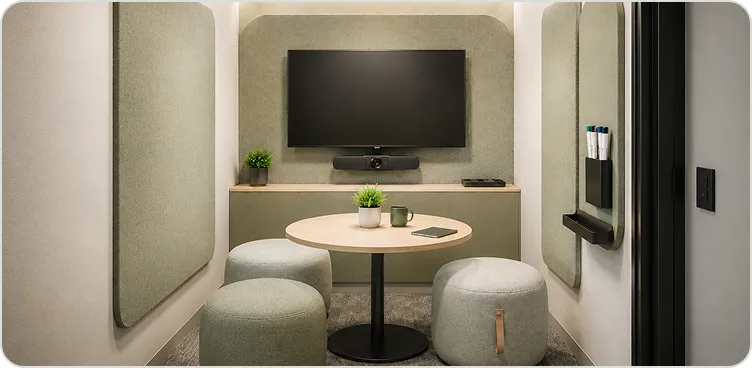
Compact display or all-in-one bar, simple content share and single-touch meeting join.
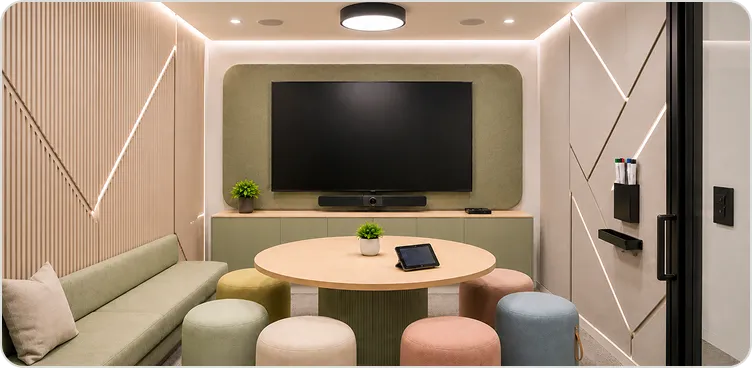
Larger display, wide-angle camera, clean audio coverage and native platform controls.
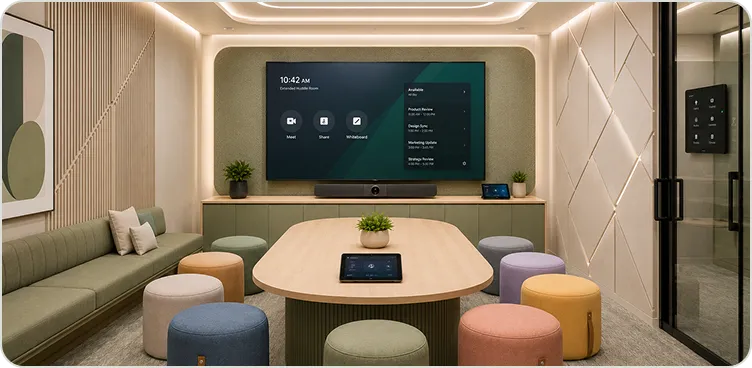
Enhanced camera framing, wider audio pickup and a more deliberate room-control layer.
OfficeBasics can design huddle rooms around Microsoft Teams Rooms, Zoom Rooms or Webex Rooms, with clear BYOM workflows where guests or mixed-platform teams need a practical fallback.
Discuss platform fitAsset records, repeatable room standards and regional response are considered before the room is handed over, not after the first fault.
Every room is handed over with its device, firmware and configuration record.
A common design language makes multi-floor or multi-site rooms easier to support.
Health checks are planned around actual use, software updates and meeting-calendar patterns.
Support is managed from regional teams across India and Singapore, under the agreed SLA.
Explore adjacent space and capability pages when the brief reaches beyond a single compact room.
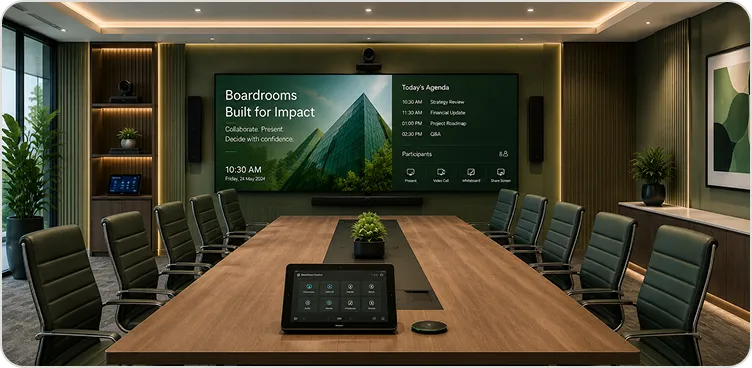
Executive room systems designed for the failure modes specific to the room.
Explore pageBy Space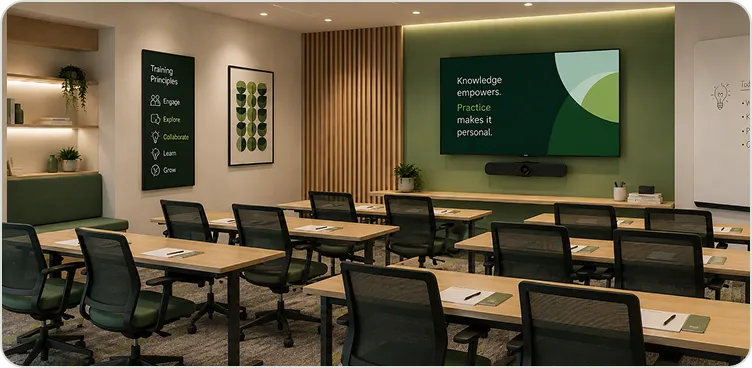
Hybrid learning spaces with distributed audio, presenter workflows and control.
Explore pageBy Capability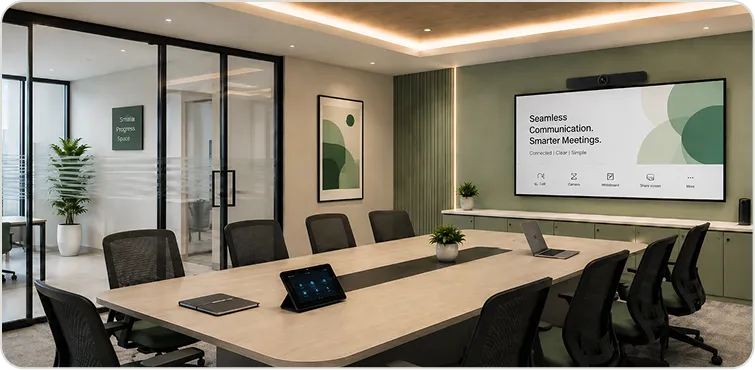
Platform standards, hybrid meeting workflows and multi-room deployment.
Explore pageThe essentials about scope, delivery, support and geography.
A compact, all-in-one AV setup for small meeting spaces — typically a 55'' - 75'' commercial display with an integrated camera, speakerphone or soundbar, and simple wireless connectivity or a certified Teams/Zoom device, all controllable with a single tap.
Huddle room systems are optimised for quick, informal collaboration in smaller spaces — fewer participants, simpler control, lower footprint. Boardroom systems are engineered for larger, more formal environments with higher criticality and more complex control requirements.
Yes. Standardised multi-room deployments are a core part of our work — consistent design and identical user experience across every room, with a single AMC for the whole estate.
Share the room count, seating, platform standard and rollout locations. OfficeBasics will help define a system that stays easy to use and support.