
Start with the user journey
Map the actions people need before defining panels, scenes or integrations.
Loading...
Intuitive controls for displays, audio, cameras, conferencing, lighting and room settings in one clear workflow.A control interface is the operating language of the room. OfficeBasics designs AV control systems that bring displays, audio, cameras, conferencing, lighting and room states into a clear workflow built around the people using the space.
When a room needs multiple taps to start a meeting or no one knows how to recover from an error state, the system has failed the user journey. Control design starts with the actions people need to take-not the devices that need to be switched.
The right control system makes room start, source sharing, meeting join and recovery easy for the people in the space.
Map the actions people need before defining panels, scenes or integrations.
Bring AV, collaboration and approved room systems together where it helps the workflow.
Provide essential operation even when the primary interface is unavailable.
Use repeatable controls and naming across rooms, floors and sites.
The scope changes with the number of systems, room types, users and operational requirements.
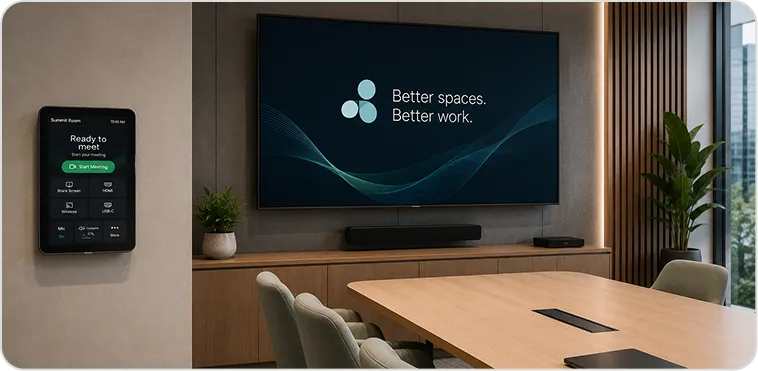
Meeting start, source sharing and basic room actions in one clear interface.
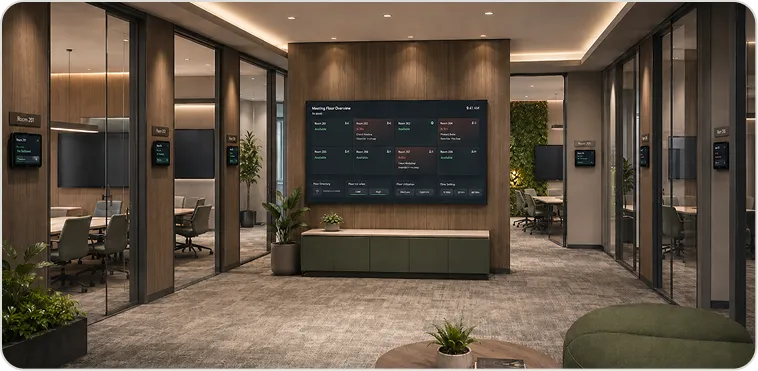
Repeatable panels and central management across a floor or workplace.
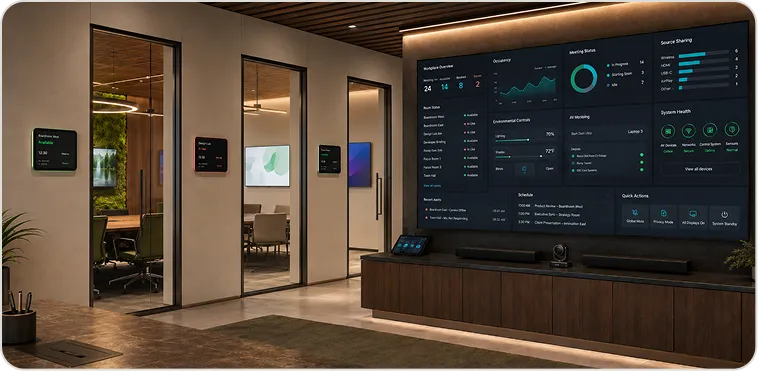
Integrated AV, room-state and operational workflows for high-value spaces.
OfficeBasics can design huddle rooms around Microsoft Teams Rooms, Zoom Rooms or Webex Rooms, with clear BYOM workflows where guests or mixed-platform teams need a practical fallback.
Discuss platform fitOfficeBasics captures room logic, device records and fallback workflows so the system can be maintained with confidence over time.
Every room is handed over with its device, firmware and configuration record.
A common design language makes multi-floor or multi-site huddle rooms easier to support.
Health checks are planned around actual use, software updates and meeting-calendar patterns.
Support is managed from regional teams across India and Singapore, under the agreed SLA.
Explore adjacent space and capability pages when the brief reaches beyond a single compact room.
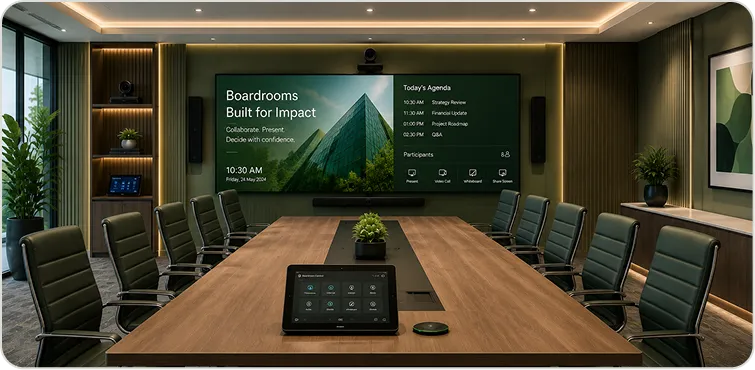
Executive rooms where simple, reliable control is most visible.
Explore pageBy Space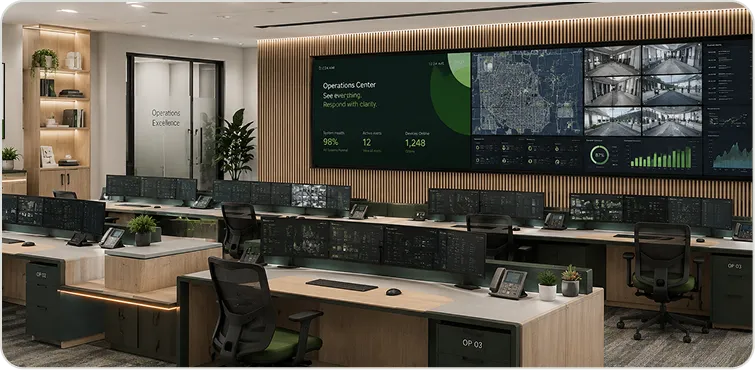
Operational spaces with role-based control and critical workflows.
Explore pageBy Capability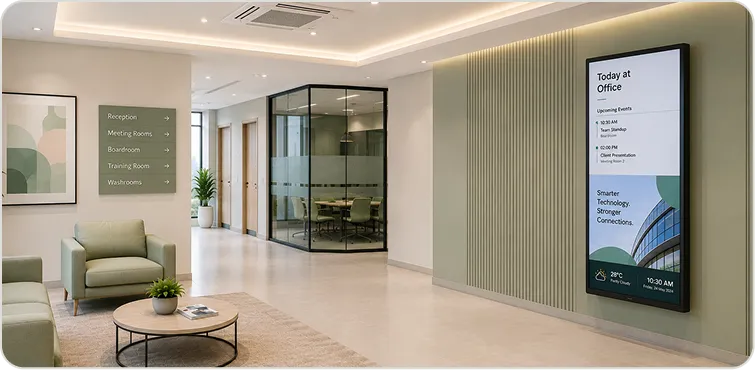
Connect display zones to communication, room state and workplace operations.
Explore pageThe essentials about scope, delivery, support and geography.
It is the programmable hub that allows users to control all AV devices — displays, sources, lighting, blinds, conferencing — from a single touch panel, rather than operating each device independently. Done well, it makes a complex room feel effortless. Done poorly, it becomes the reason IT gets called before every meeting.
Crestron, Extron, AMX and Q-SYS, as well as simpler control solutions for smaller spaces.
Yes. We integrate AV control with room booking systems (Microsoft Exchange/Teams, Robin, Condeco and others) and building management systems — enabling automated room setup, occupancy-based power management and real-time room status displays.
Share the room types, systems to be controlled, user workflows and rollout scope. OfficeBasics will help define the right control standard.